
SSH returns: no matching host key type found. Their offer: ssh-dss (GoDaddy)

Ubuntu 16.04 has disabled ssh-dss, patch applied to ~/.ssh/config, to use

Call from command line
sshpass -p yourpassword ssh -oHostKeyAlgorithms=+ssh-dss username@yourdomain.com

Or Modify config file
-oHostKeyAlgorithms=+ssh-dss

config
Host your-godaddy-domain.com
User your-user-name
HostKeyAlgorithms=+ssh-dss
Port 22

Refer: https://askubuntu.com/questions/836048/ssh-returns-no-matching-host-key-type-found-their-offer-ssh-dss

Refer: http://www.openssh.com/legacy.html
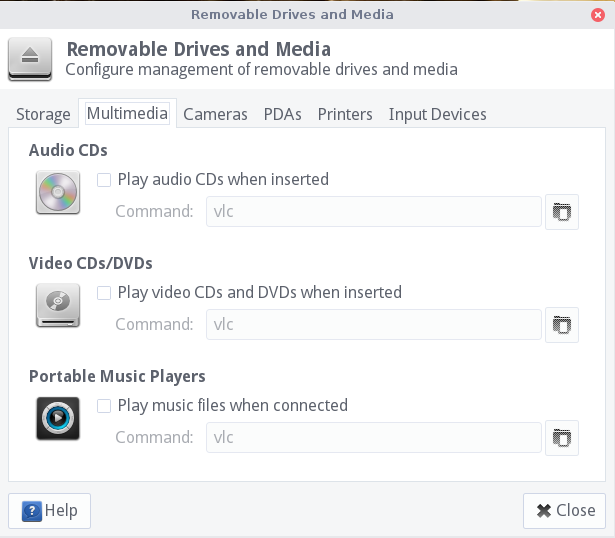
SanDisk Clip Jam – AudioBooks

For an Audiobook, it was necessary to play it as music, and rename the Album for each disk with a prefix, like 01, 02 .. 0N, it could not keep the tracks from mixing otherwise.

Visual Source Code Font – Ubuntu 16.04

Droid font has been deprecated in Ubuntu 16.04, and this causes the underline character to NOT render in the visual source code terminal.  Change the font settings:

"editor.fontFamily": "Liberation Mono",

Okay but not as good:

"editor.fontFamily": "'Noto Mono', 'Droid Sans Mono', 'Courier New', monospace, 'Droid Sans Fallback'",

Keyring Issue with Ubuntu Lite

Problem: Ubuntu Lite keeps asking to unlock keyring

Solution: Unlock the keyring and/or change its password to match logon

$ sudo apt-get install seahorse

Refer: https://askubuntu.com/questions/867/how-can-i-stop-being-prompted-to-unlock-the-default-keyring-on-boot

  • Open Applications -> Accessories -> Password and Encryption Keys
  • Right-click on the "login" keyring
  • Select "Change password"
  • Enter your old password and leave the new password blank
  • Press ok, read the security warning, think about it and if you still want to get rid of this dialog, choose "use unsafe storage".