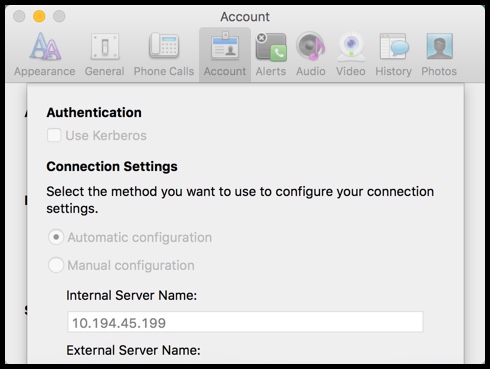
Use these settings:
1. Go to Keychain
2. Click on System
3. Then go to HAL Enterprise root CA
4. And click Always Trust on “When using this Certificate”
Lync settings:
Either automatic as it is now,
or manual, depending on how they’re connected:
But make sure their internet proxy is set to the automatic config script:
http://wpad.flagship.hal.com/wpad.dat
Manual Settings:
Internal Server Name: hallyncpool
External Server Name: BLANK