Copy *.desktop property file to
/home/.local/share/applications
Modify Applications Menus with MenuLibre
$ sudo apt-get -y install menulibre

Technical notes, and other ideas.
Copy *.desktop property file to
/home/.local/share/applications
Modify Applications Menus with MenuLibre
$ sudo apt-get -y install menulibre
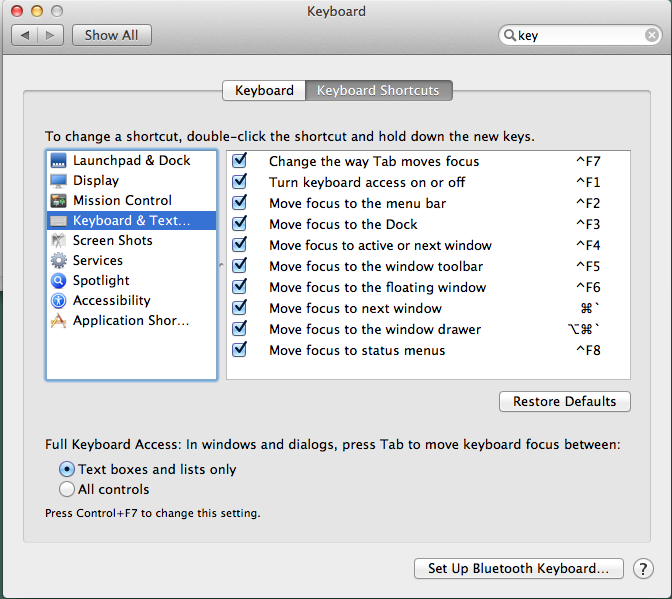
Use [Ctrl]+[F2] - Access to top menu bar starting at the Apple icon and use the arrow keys to navigate.
Use [Ctrl]+[F8] - Access to the top right menu and use the arrow keys to navigate
Get to menu items without using the mouse and a keyboard shortcut instead.