http://www.sussex.ac.uk/its/help/faq?faqid=2555
You can use the following steps to re-import your email on the Macbook
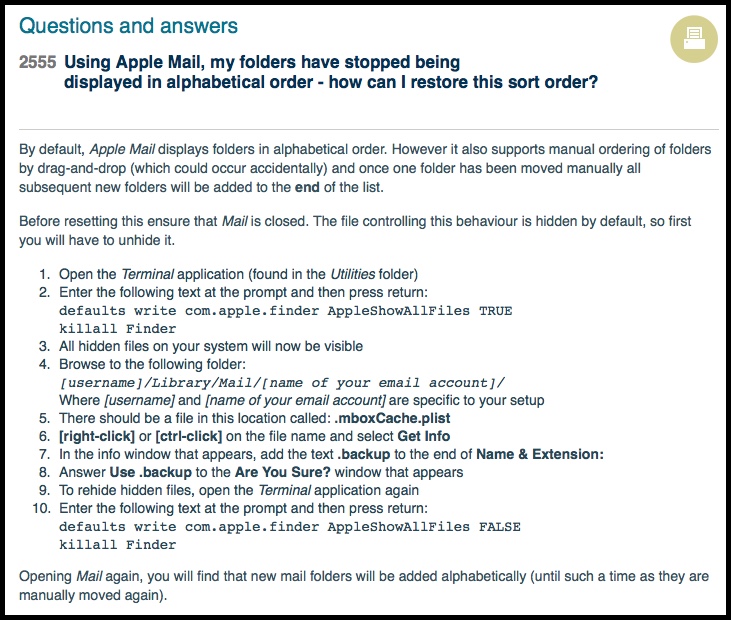
Open the Terminal application (found in the Utilities folder)
Enter the following text at the prompt and then press return:
defaults write com.apple.finder AppleShowAllFiles TRUE
killall Finder
All hidden files on your system will now be visible
Browse to the following folder in Finder:
[username]/Library/Mail/[name of your email account]/
Where [username] and [name of your email account] are specific to your setup
There should be a file in this location called: .mboxCache.plist
[right-click] or [ctrl-click] on the file name and select Get Info
In the info window that appears, add the text .backup to the end of Name & Extension:
Answer Use .backup to the Are You Sure? window that appears
To rehide hidden files, open the Terminal application again
Enter the following text at the prompt and then press return:
defaults write com.apple.finder AppleShowAllFiles FALSE
killall Finder