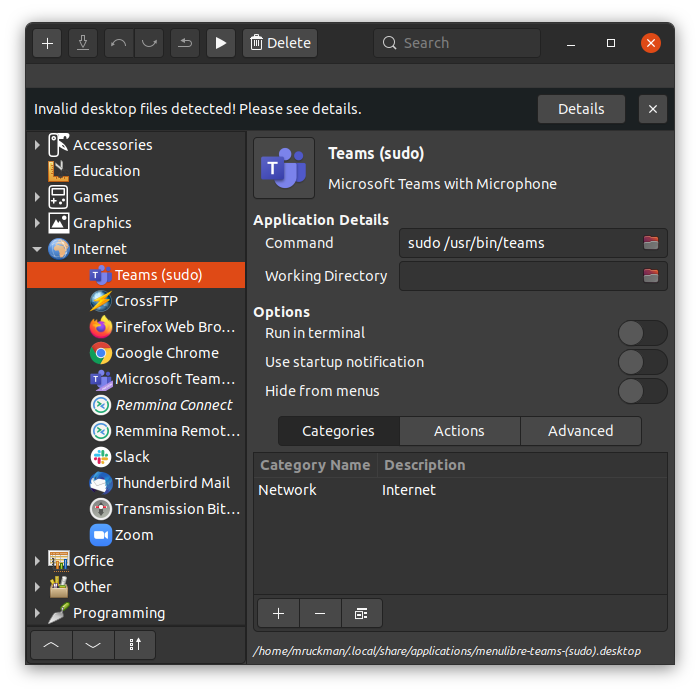
There's an issue getting the microphone to work out of the box on Ubuntu 20.04 and teams. The microphone works but NOT the internal microphone. It has to due with security and it seems like it's using the default browser's security settings. The solution for now is to start Teams with sudo.
Create a Menu Entry for Teams as Sudo
Refer: https://www.tecmint.com/run-sudo-command-without-password-linux/
Allowing sudo for a program without a password
$ sudo visudo
At the end of the file, add the following, and save it:
mruckman ALL=(ALL) NOPASSWD: /usr/bin/teams